Generate
Start from a clean reference image, confirm its dimensions and choose the output settings before inference.
Turn a single image into a textured PBR 3D asset. Generate, inspect, optimize and export — in one browser workbench.
A COMPLETE ASSET PIPELINE
Most image-to-3D tools stop at a download link. Trellis 3D keeps the important decisions — material inspection, mesh density and export intent — in the same workspace.
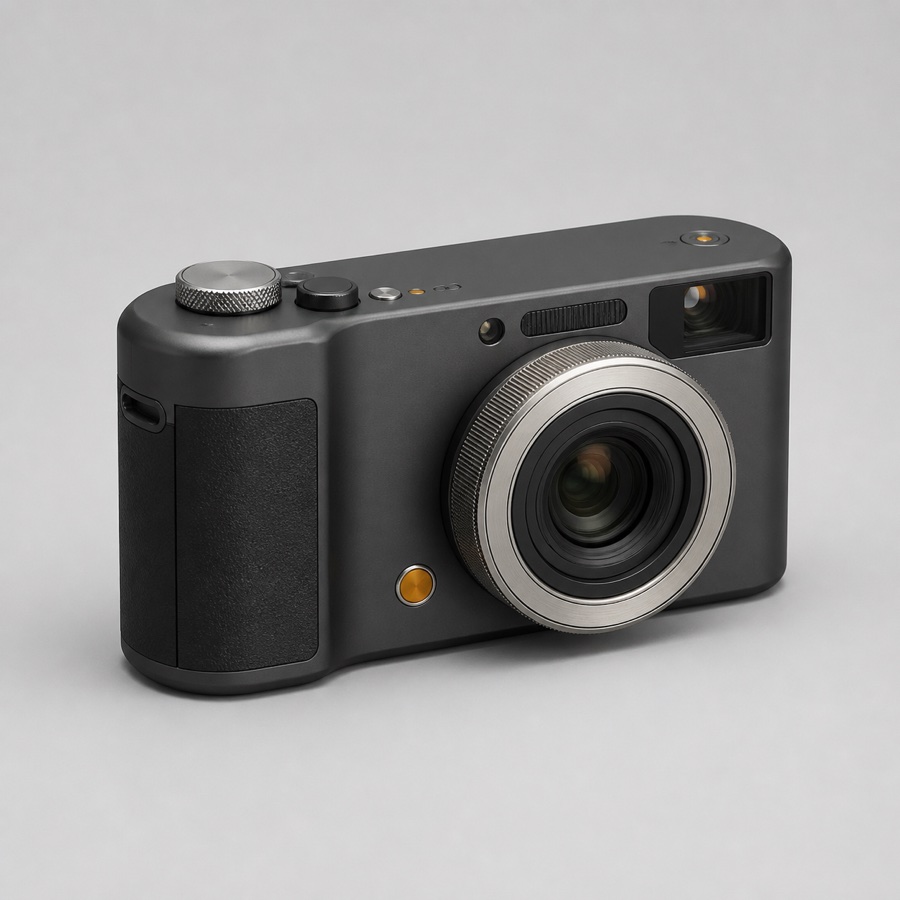
Start from a clean reference image, confirm its dimensions and choose the output settings before inference.
Orbit the asset and isolate PBR channels, normals, wireframe and hidden geometry.
Choose a polygon budget for web, games, mobile, previews or mesh repair.
Package geometry and PBR materials into a portable binary GLB asset.
LOOK BENEATH THE SURFACE
A beautiful render can hide costly geometry and incomplete maps. Switch channels without changing the camera, then verify the asset you actually have.
FIT THE PIPELINE
Optimization is a target, not a magic switch. Start with a purposeful preset, then use the inspector to validate the result.
Learn about retopology ↗! AI-generated meshes can contain small holes or topology discontinuities. Printing and animation workflows may require dedicated post-processing.
REFERENCE INPUTS
01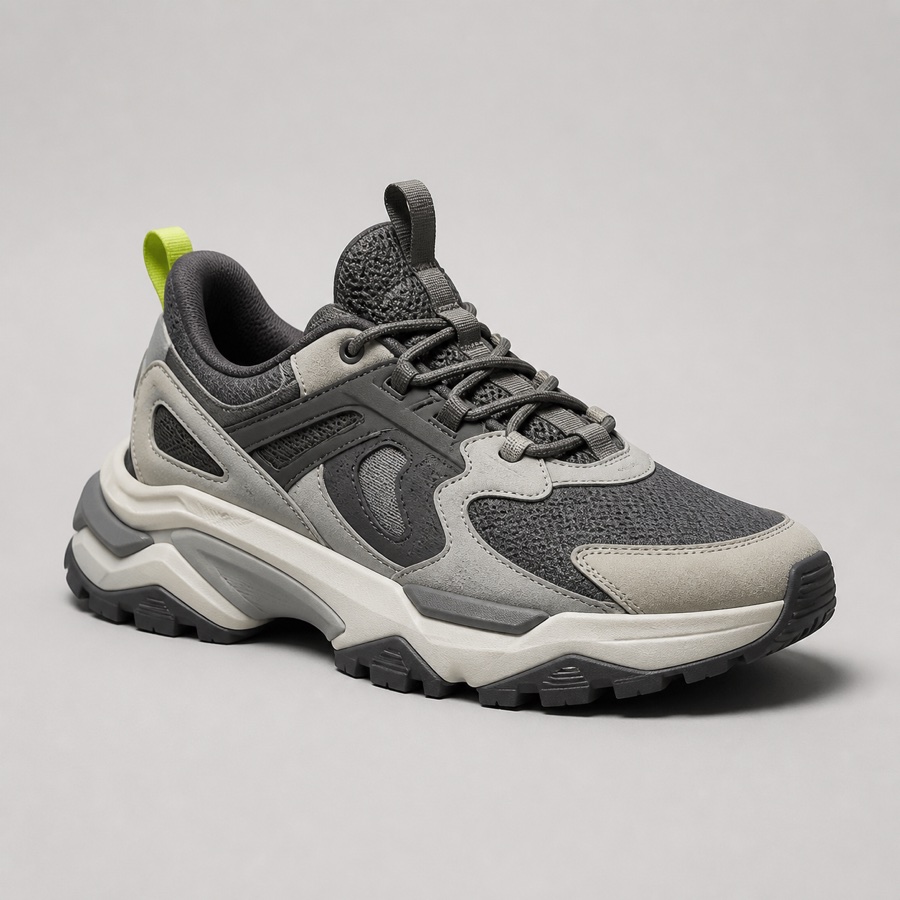 02
02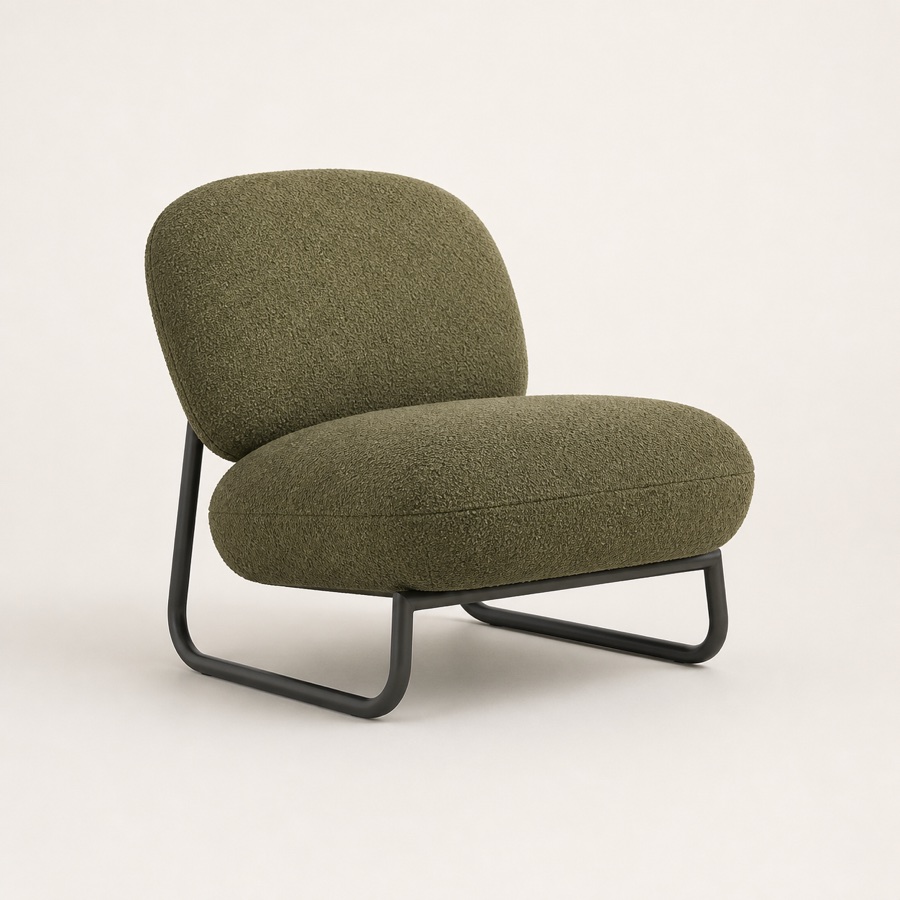 03
03MODEL PROFILE / TRELLIS.2
Published model facts are kept separate from product claims. Performance numbers below are official H100 benchmarks, not consumer GPU estimates.
Open model profile ↗Single-image generation model
+ full PBR materials
Published voxel setting
NVIDIA GPU · Linux
Official reference hardware only
FROM PIXELS TO SURFACE
Single reference
RGBVisual features
ENCODESparse structure
LATENTShape decoding
DECODEUsable asset
GLBO-Voxel is TRELLIS.2's internal sparse representation — not a downloadable 3D format. The final mesh and material maps are decoded from this structure.
Read the O-Voxel explainer ↗KNOWLEDGE SYSTEM
Definitions, diagrams and practical tools — linked as a knowledge graph instead of buried in a blog archive.
The sparse surface representation at the core of TRELLIS.2.
Explore concept ↗Base color, roughness, metallic and opacity — without the jargon.
Explore concept ↗The binary web-ready container for geometry, textures and materials.
Explore concept ↗Vertices, faces, topology, density and the checks that matter.
Explore concept ↗When and why a generated surface needs a cleaner edge flow.
Explore concept ↗How resolution, model weights and workflows consume GPU memory.
Explore concept ↗Clear, version-aware guides for ComfyUI, INT8 ConvRot, GGUF, Windows and low-VRAM setups — with the trade-offs stated up front.
Checkpoint size is not peak VRAM. Compatibility still depends on the loader, GPU backend, resolution and complete 3D workflow.
Inputs, output formats, PBR support, local requirements and known limitations in a consistent structure.
FIELD NOTES / FAQ
Practical answers, conservative claims and direct links to the details.
TRELLIS.2 is a 4-billion-parameter single-image 3D generation model from Microsoft Research. It produces a mesh with PBR material channels, including base color, roughness, metallic and opacity.
No. Trellis 3D is an independent workbench and knowledge resource. It is not affiliated with, endorsed by or operated by Microsoft.
Not automatically. Generated assets should be inspected for topology, polygon density, UVs, materials and hidden geometry. The workbench helps you identify and optimize those areas for a target pipeline.
You can prepare assets for printing, but a raw generation is not guaranteed to be watertight. Use the 3D Printing preset as a starting point, then verify wall thickness, normals and manifold geometry in a dedicated mesh repair tool.
Use a sharp, well-lit image with one complete object, a simple background, minimal occlusion and a clear silhouette. Check the displayed dimensions and framing before submitting the request.
The official standard setup targets Linux and at least 24 GB of NVIDIA GPU memory. Community workflows can reduce memory requirements, with trade-offs in speed, resolution and support. Check the GPU guide for a realistic path.
FROM IMAGE TO ASSET